
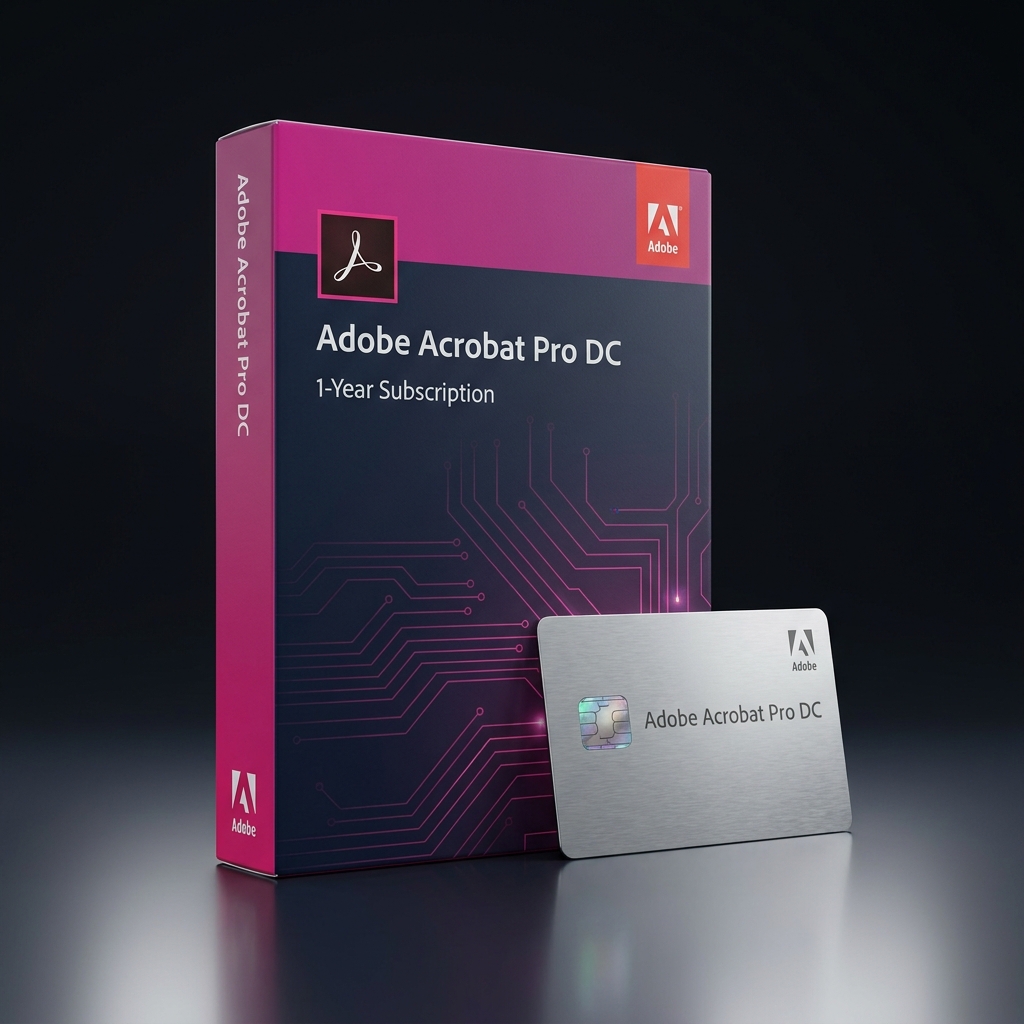
The Adobe Acrobat Pro DC 1-Year Subscription is the complete PDF creation, editing, and e-signature toolkit trusted by professionals who need more than just a basic PDF reader. As part of our complete Adobe Creative Cloud catalog, this license unlocks advanced editing, OCR text recognition, redaction, and legally binding e-signatures across desktop, web, and mobile.
Unlike free PDF viewers that only let you read documents, this subscription gives you full control to edit text and images directly inside a PDF, convert files to and from Word, Excel, and PowerPoint, and combine multiple documents into a single polished file. It’s built for anyone who works with contracts, reports, or forms on a regular basis and needs a reliable, professional-grade tool.
Adobe Acrobat Pro DC 1-Year Subscription for Business and Professional Use
Choosing the Adobe Acrobat Pro DC 1-Year Subscription makes the most sense for professionals, legal teams, HR departments, and small businesses that regularly create, edit, and send documents for signature. The Pro tier adds advanced redaction, batch document processing, and the ability to compare two PDF versions side by side to spot every change instantly.
Compared to the more limited tier, the Adobe Acrobat Pro DC 1-Year Subscription includes advanced editing tools, OCR for scanned documents, and unlimited e-signature requests that aren’t available on entry-level plans. Users with lighter document needs, such as occasional form filling or simple PDF conversion, can save money with our Adobe Acrobat Standard subscription, which covers the essentials at a lower monthly cost.
Core Features & Architecture
Every Adobe Acrobat Pro DC 1-Year Subscription ships with the complete professional feature set, engineered for document-heavy workflows, legal compliance, and teams that need reliable e-signature and editing tools every day.
Advanced PDF Editing
Edit text, images, and layouts directly inside any PDF without needing to recreate the document from scratch in another program.
Legally Binding E-Signatures
Send, sign, and track documents with Adobe Sign integration, giving contracts and forms the same legal validity as a handwritten signature.
OCR & Document Scanning
Convert scanned paper documents and images into fully searchable, editable text using built-in optical character recognition technology.
Redaction & Compliance Tools
Permanently remove sensitive text and images before sharing documents externally, helping teams meet privacy and compliance requirements.
Management, Compatibility & Infrastructure
Deploying the Adobe Acrobat Pro DC 1-Year Subscription across a team is simple thanks to Adobe’s cloud-based licensing, which syncs settings and recent files between desktop, web browser, and the Acrobat Reader mobile app automatically.
- Compatible with Windows 10/11 and macOS, plus iOS and Android mobile apps
- Integrates with Microsoft 365, Google Drive, Dropbox, and Box for cloud storage
- Includes 100GB of Adobe Document Cloud storage for signed and shared files
- Automatic delivery via email with your Adobe ID activation instructions
Technical Specifications
| Technical Specification | Entitlement Details |
|---|---|
| License Type | Adobe Acrobat Pro DC 1-Year Subscription – single named user |
| Delivery Method | Instant digital delivery via email, no physical media included |
| Platform Support | Windows, macOS, iOS, and Android |
| Cloud Storage | 100GB Adobe Document Cloud included |
| Update Policy | Continuous updates included for the full subscription term |
| Validity | 12-month term from the date of activation |
Step-by-Step License Redemption Guide
- Check your inbox for the LicensesVault order confirmation email containing your redemption code and setup instructions.
- Sign in with an existing Adobe ID or create a new free Adobe account if you don’t already have one.
- Navigate to the Adobe redemption page and select the option to redeem a subscription code.
- Enter your Adobe Acrobat Pro DC 1-Year Subscription code exactly as it appears in your confirmation email to activate the plan.
- Download the Acrobat desktop app and sign in to confirm Pro features are unlocked. If issues arise, visit Adobe’s official redemption and activation support page.
Frequently Asked Questions About Adobe Acrobat Pro DC 1-Year Subscription
Can I use this on more than one computer?
Yes. This subscription is tied to your Adobe ID rather than a single device, so you can install and sign in on up to two computers at a time.
Do I need Pro, or would Standard be enough?
If you rarely need OCR, redaction, or advanced editing, our Adobe Acrobat Standard subscription covers basic PDF tasks at a lower price. For teams with heavier document workflows, upgrading to the Adobe Creative Cloud All Apps 1-Year plan bundles the Adobe Acrobat Pro DC 1-Year Subscription alongside the full 20+ app Creative Cloud suite at a lower combined cost.
Does this expire after the year is up?
Yes. This is a 12-month subscription that can be renewed annually; it is not a lifetime license, so continued access requires renewal after the term ends.
Reviews
There are no reviews yet.