
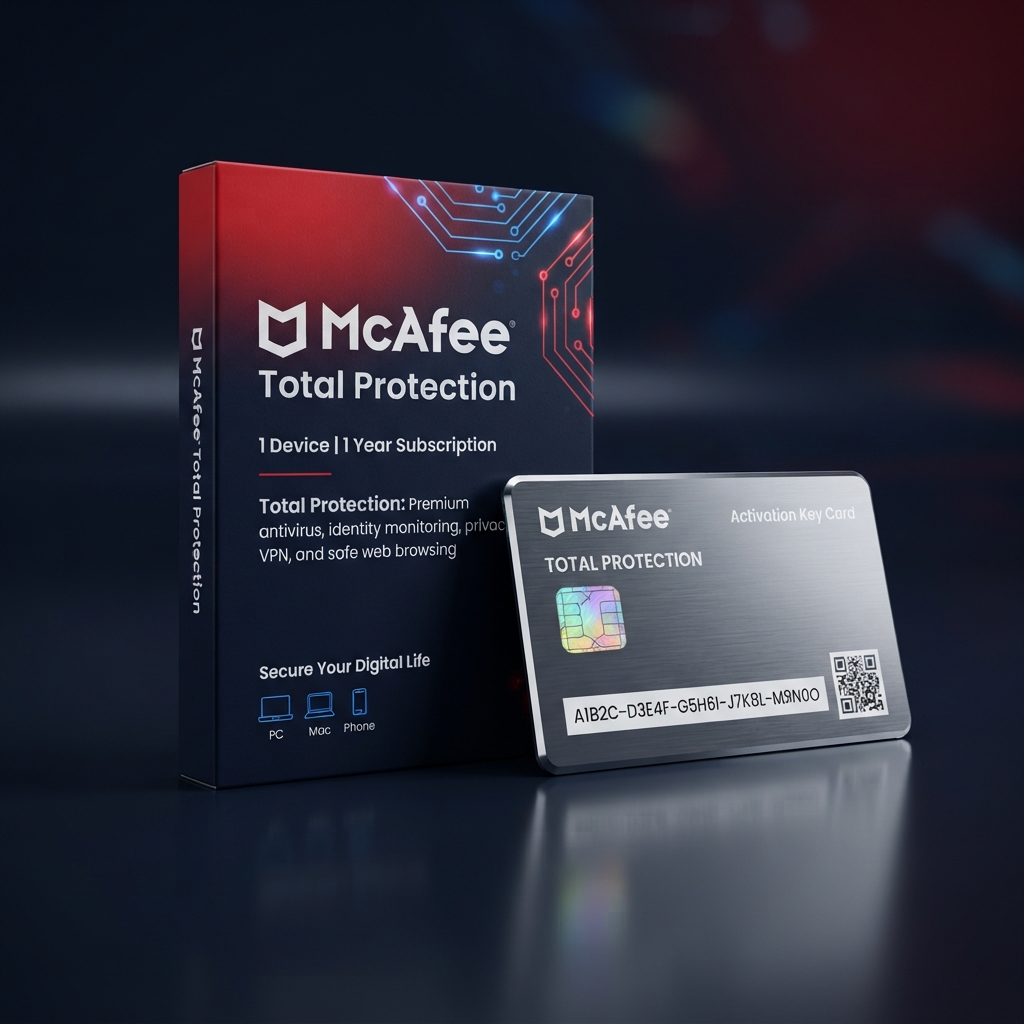
McAfee Total Protection 1 Device is a full-featured security license built for buyers who want one machine covered by a complete, all-in-one antivirus and identity protection suite. As part of our complete antivirus and cybersecurity catalog, this entitlement pairs McAfee’s long-standing malware detection engine with a built-in VPN, password manager, and identity monitoring tools normally sold separately by other vendors. Delivery is instant, activation takes minutes, and the license key is genuine and fully transferable if you replace the protected device.
Why Choose McAfee Total Protection 1 Device for Complete Single-Machine Coverage
Many single-device buyers end up choosing between a bare-bones antivirus and a full security suite priced for a household they do not have, and McAfee Total Protection 1 Device closes that gap by packing suite-level features into a single seat. Real-time malware scanning runs alongside a secure VPN for public Wi-Fi, a password manager for credential storage, and identity monitoring that flags exposed personal data across known data breaches. Nothing here is stripped down just because the license covers one machine instead of five.
Where this license earns its place is value density for a solo user or single shared computer. Unlike lighter single-device options such as Avast Premium Security 1 PC, which focuses mainly on core antivirus scanning, McAfee Total Protection 1 Device bundles VPN, identity protection, and file shredding into the same seat, so buyers get suite-level breadth without needing to purchase a multi-device plan they would only partially use. The result is one of the most feature-dense single-seat security licenses available in this category.
Core Features and Architecture
Underneath its dashboard, McAfee Total Protection 1 Device combines signature-based detection, machine-learning threat analysis, and live cloud reputation lookups, so both known malware and newly emerging threats are caught before they can execute.
Built-In Secure VPN
Encrypts internet traffic automatically on public and home Wi-Fi networks alike, protecting browsing activity and login sessions without requiring a separate VPN subscription.
Identity Monitoring and Alerts
Continuously checks known data-breach databases for your email address and personal details, sending alerts the moment your information appears in a leak.
Password Manager
Generates and securely stores strong, unique passwords for every account, syncing credentials so logins stay fast without reusing weak passwords across sites.
File Shredder and Ransomware Shield
Permanently deletes sensitive files beyond recovery on request, while continuous ransomware monitoring blocks and reverses suspicious encryption attempts in real time.
Management, Compatibility & Infrastructure
Every purchase of McAfee Total Protection 1 Device includes access to the My McAfee web dashboard, where you can check protection status, manage the VPN and password manager, and reassign the license if you switch to a new computer. Compatibility covers Windows 10 and 11, with lightweight performance impact suited to everyday hardware.
- Centralized My McAfee dashboard for license and feature management
- One-click seat transfer when hardware is replaced
- Optimized for Windows 10 and 11
- Automatic definition and program updates
- 24/7 email and live-chat support included for the license term
Technical Specifications
| Technical Specification | Entitlement Details |
|---|---|
| License Type | McAfee Total Protection 1 Device — genuine retail digital key |
| Device Allowance | 1 device per license, reassignable to a new computer |
| Term Length | 12-month subscription from activation date |
| Supported OS | Windows 10 and Windows 11 |
| Delivery Method | Instant digital delivery via email and account dashboard |
| Management Console | My McAfee centralized dashboard |
Step-by-Step License Redemption Guide
- Locate the license key sent to your email immediately after checkout and copy it exactly, including all dashes.
- Download the official McAfee Total Protection installer directly from the McAfee website onto the device you want to protect.
- Run the installer, select “Enter Activation Code,” and paste the key to begin setup of McAfee Total Protection 1 Device on that computer.
- Sign in to or create your free My McAfee account through McAfee’s official activation portal to link the license and unlock VPN and identity monitoring features.
- Run an initial full scan, then confirm the dashboard shows “Protected” to complete setup of the license.
Frequently Asked Questions About McAfee Total Protection 1 Device
Can I move the license to a different computer later?
Yes. Every license for McAfee Total Protection 1 Device includes seat reassignment through the My McAfee dashboard, so upgrading to a new PC never means buying a new key.
Does the built-in VPN slow down my internet connection?
The VPN adds minimal overhead on modern connections and can be toggled on only when needed, such as on public Wi-Fi, so everyday browsing speed stays largely unaffected.
What if I need to protect more than one device?
If a single seat is not enough coverage, our Bitdefender Total Security 5 Devices plan is the natural upgrade tier to compare before you check out.



Reviews
There are no reviews yet.