
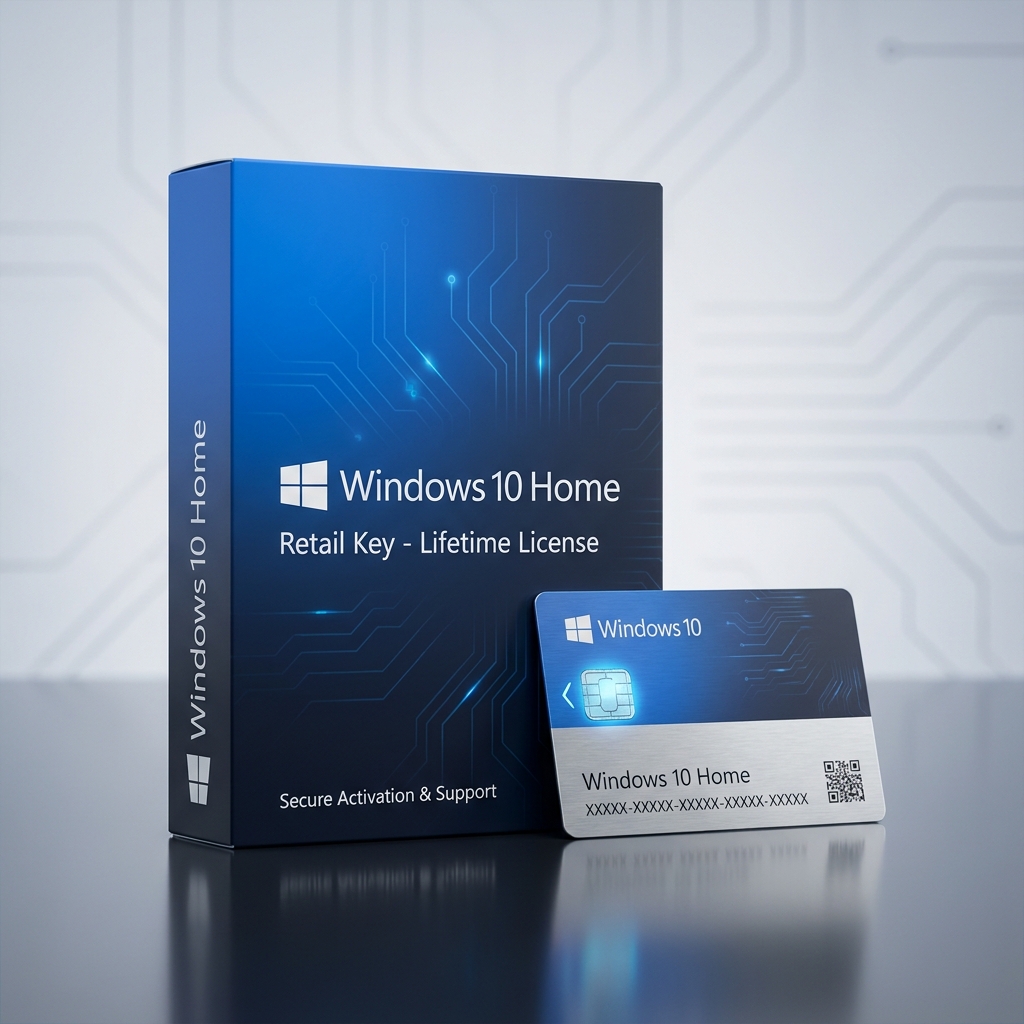
Windows 10 Home Retail Key activates a genuine, transferable license for Microsoft’s consumer-focused desktop operating system, giving everyday users a stable, fully updated Windows 10 environment for browsing, schoolwork, and home productivity. This is a one-time purchase, not a subscription, so the license activates permanently with lifetime usage rights and instant digital delivery straight to your inbox after checkout. As part of our complete Windows operating systems catalog, this retail edition sits alongside Windows 11 and Windows Server builds, giving households and small offices a genuine software foundation to build on.
Because this is a retail entitlement rather than a device-locked OEM copy, the license is not tied to the motherboard it was first activated on and can be moved to a different PC later if hardware changes.
What Is the Windows 10 Home Retail Key and Who Needs It?
The Windows 10 Home Retail Key is built for everyday users, students, and families who need a dependable desktop operating system without the advanced management features aimed at IT professionals. Unlike the business-oriented Windows 10 Professional Retail key, which adds BitLocker encryption, Group Policy management, and Remote Desktop hosting, this Home edition keeps the feature set streamlined for personal computing, gaming, and general web use.
Running on a wide range of older and newer hardware, a genuine Windows 10 Home Retail Key delivers the same operational stability and continued security patching that Microsoft provides across the Windows 10 lifecycle, making it a reliable choice for users who are not yet ready to move to a new OS generation.
Core Features & Architecture
Every Windows 10 Home Retail Key purchase includes the full consumer feature set of the operating system, covering security, connectivity, and day-to-day usability tools built directly into the desktop experience.
Windows Defender Security Suite
Built-in real-time antivirus, firewall, and ransomware protection run automatically in the background, keeping the system secure without requiring a separate paid security subscription.
Cortana and Windows Search
Integrated search and voice assistant tools help users quickly locate files, launch applications, and manage settings without digging through nested menus.
Microsoft Store and App Compatibility
Full access to the Microsoft Store alongside broad compatibility with legacy Win32 desktop software ensures both modern apps and older programs run smoothly.
Automatic Feature and Security Updates
Windows Update delivers ongoing security patches and periodic feature updates directly from Microsoft, keeping the installation current without manual intervention.
Management, Compatibility & Infrastructure
Setting up a Windows 10 Home Retail Key is straightforward for home users, since activation runs through the standard Windows Activation Wizard and requires no domain infrastructure or enterprise management console.
- Compatible with most PCs from 2015 onward, 32-bit and 64-bit builds
- Simple activation through the built-in Windows Settings app
- Supports standard consumer peripherals and driver auto-detection
- Includes ongoing security updates for the supported Windows 10 lifecycle
- No enterprise licensing server or Active Directory dependency required
Technical Specifications
| Technical Specification | Entitlement Details |
|---|---|
| License Type | Perpetual, transferable Windows 10 Home Retail Key (retail, not OEM) |
| Delivery Method | Automated digital delivery via email within minutes of checkout |
| Supported Hardware | Most consumer PCs and laptops, 32-bit and 64-bit |
| Activation | Direct Microsoft account or Windows Activation Wizard binding |
| Language Support | Multi-language installer with regional selection during setup |
| Update Policy | Free security and feature updates for the supported lifecycle |
Step-by-Step License Redemption Guide
- Complete checkout and locate your unique alphanumeric key in the confirmation email sent automatically after payment.
- Download the official Windows 10 installation media directly from Microsoft’s servers using the Media Creation Tool.
- Create a bootable USB drive or DVD and install Windows 10 by following the on-screen setup prompts.
- During or after installation, enter your Windows 10 Home Retail Key when prompted and activate through the official Microsoft account setup portal to bind the license to your device.
- Restart the computer to confirm activation has completed and begin using your desktop immediately.
Frequently Asked Questions About Windows 10 Home Retail Key
Is this a genuine, one-time purchase or a monthly subscription?
This is a genuine one-time purchase. The Windows 10 Home Retail Key activates a perpetual license, meaning you pay once and keep the operating system indefinitely, with no recurring subscription fees or forced renewal.
Can I move the license to a new computer if my hardware fails?
Yes. Because this is a retail-style entitlement rather than a locked OEM binding, you can deactivate the installation on your old machine and reactivate the same key on a replacement device through your Microsoft account.
Should I get Home or upgrade to a different edition?
If you eventually want a more modern interface with expanded security features, our Windows 11 Home Retail key offers a comparable feature set built on Microsoft’s current-generation platform for users ready to upgrade.
Reviews
There are no reviews yet.