
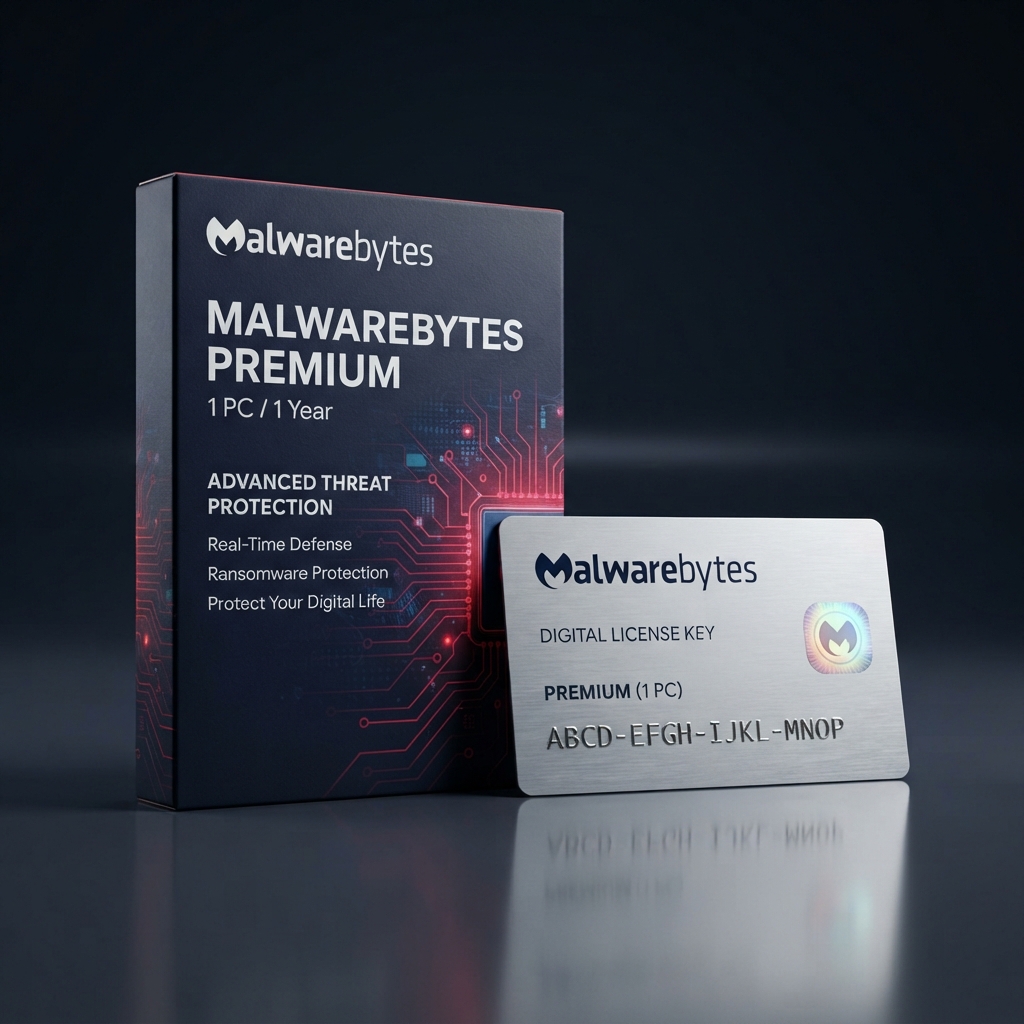
Malwarebytes Premium 1 PC is a focused, single-device security license built for people who want a fast, no-nonsense layer of malware and ransomware defense without a heavier full-suite install. As part of our complete antivirus and cybersecurity catalog, this entitlement runs on Malwarebytes’ well-known remediation engine, long trusted for cleaning up infections that traditional antivirus tools miss. Delivery is instant, activation takes minutes, and the license key is genuine and fully transferable if you ever move to a different computer.
Why Choose Malwarebytes Premium 1 PC for Focused, Lightweight Protection
Not every household needs a sprawling suite covering five or ten devices, and Malwarebytes Premium 1 PC is built specifically for the single-machine buyer who wants strong core protection without paying for seats they will never use. It runs continuous real-time scanning alongside a dedicated ransomware shield, and it is engineered to work alongside your existing antivirus rather than replace it, catching threats that signature-only engines routinely miss. The interface stays deliberately simple, with one clear dashboard instead of dozens of nested settings menus.
Where this single-PC license earns its place is efficiency and price-to-performance. Unlike broader multi-device suites such as Bitdefender Total Security 5 Devices, which is priced and packaged for entire households, Malwarebytes Premium 1 PC concentrates its full feature set — exploit protection, browser guard, and ransomware remediation — onto exactly one machine, keeping the cost proportional to what a single-device buyer actually needs. The result is lean, dependable protection with none of the unused capacity you would pay for in a larger bundle.
Core Features and Architecture
Underneath its clean interface, Malwarebytes Premium 1 PC combines signature-based detection, heuristic behavior analysis, and exploit-mitigation technology, so both known malware and brand-new zero-day attack techniques get blocked before damage occurs.
Real-Time Ransomware Remediation
Continuously monitors file activity for ransomware-style encryption behavior and automatically halts and reverses suspicious changes before personal files can be locked.
Browser Guard Web Protection
Blocks malicious websites, scam pages, and fake tech-support pop-ups directly in the browser, preventing threats from ever reaching the download stage.
Exploit Mitigation Layer
Shields commonly targeted applications like browsers and office software from code-injection techniques used by advanced malware to bypass traditional antivirus signatures.
Scheduled and On-Demand Scanning
Runs quick or full system scans automatically on a schedule you set, or on demand whenever you want an immediate check after downloading a suspicious file.
Management, Compatibility & Infrastructure
Every purchase of Malwarebytes Premium 1 PC includes access to the My Account web dashboard, where you can check protection status, review scan history, and reassign the license to a new computer whenever hardware changes. Compatibility covers Windows 10 and 11, with lightweight system requirements that suit both modern machines and slightly older hardware.
- Centralized My Account dashboard for license management
- One-click seat transfer when hardware is replaced
- Optimized for Windows 10 and 11
- Automatic definition and program updates
- Email and knowledge-base support included for the license term
Technical Specifications
| Technical Specification | Entitlement Details |
|---|---|
| License Type | Malwarebytes Premium 1 PC — genuine retail digital key |
| Device Allowance | 1 PC per license, reassignable to a new device |
| Term Length | 12-month subscription from activation date |
| Supported OS | Windows 10 and Windows 11 |
| Delivery Method | Instant digital delivery via email and account dashboard |
| Management Console | Malwarebytes My Account dashboard |
Step-by-Step License Redemption Guide
- Locate the license key sent to your email immediately after checkout and copy it exactly, including all dashes.
- Download the official Malwarebytes Premium installer directly from the Malwarebytes website onto the PC you want to protect.
- Run the installer, choose “Activate License,” and paste the code to begin setup of Malwarebytes Premium 1 PC on that computer.
- Sign in to or create your free Malwarebytes account through Malwarebytes’ official activation portal to link the license and unlock account-based management.
- Run an initial full scan, then confirm the dashboard shows “Protected” to complete setup of the license.
Frequently Asked Questions About Malwarebytes Premium 1 PC
Can I move the license to a different computer later?
Yes. Every license for Malwarebytes Premium 1 PC includes seat reassignment through the My Account dashboard, so replacing an aging PC never means buying a new key.
Does this replace my existing antivirus program?
It can run standalone, but many buyers keep it alongside a traditional antivirus for layered protection, since Malwarebytes focuses heavily on malware types that signature-only engines often miss.
What if I actually need to protect more than one device?
If a single seat is not enough coverage, our ESET Home Security Essential 5 Devices plan is the natural upgrade tier to compare before you check out.

Reviews
There are no reviews yet.