
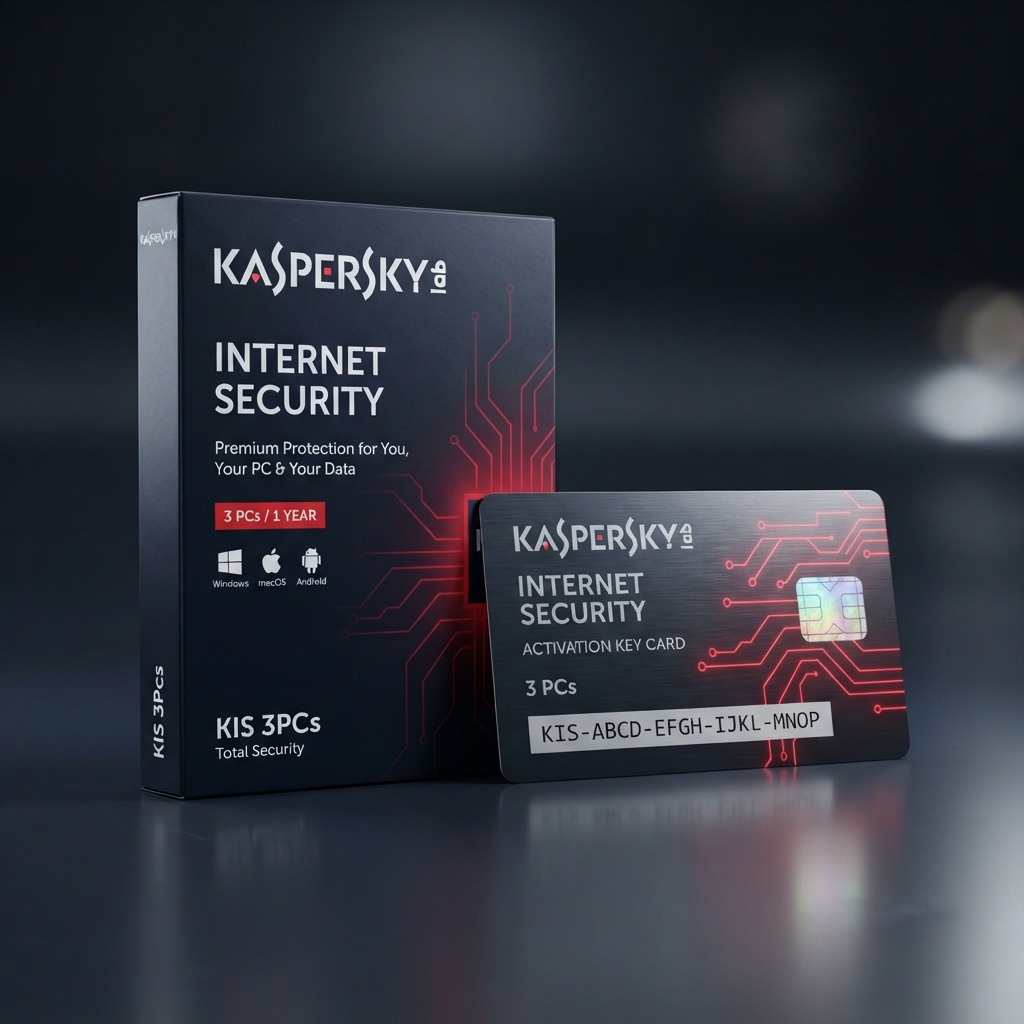
Kaspersky Internet Security 3 PCs is a trusted, mid-tier security suite built for households that want proven malware detection and safe-banking protection across up to three Windows and macOS computers without a steep learning curve. As part of our complete antivirus and cybersecurity catalog, this entitlement runs on Kaspersky’s long-standing detection engine, one of the most consistently top-rated engines in independent lab testing year after year. Delivery is instant, activation takes minutes, and the license key is genuine and fully transferable if you replace a device.
Why Choose Kaspersky Internet Security 3 PCs for Everyday Browsing and Banking
A lot of security suites either overwhelm casual users with settings or under-deliver on the threats that actually matter, and Kaspersky Internet Security 3 PCs strikes a deliberate middle ground. It layers real-time malware scanning with a dedicated Safe Money browser mode that isolates online banking and shopping sessions from the rest of the operating system, so credentials and card numbers stay protected even on a shared family computer. Parental controls, webcam protection, and a private browsing mode round out the feature set without turning the interface into a maze of technical toggles.
Where this edition earns its place in a three-PC household is the balance between depth and simplicity. Unlike lighter competitor suites such as Bitdefender Internet Security 3 PCs, which leans heavily on automated background tuning, Kaspersky Internet Security 3 PCs gives you visible, adjustable protection layers so tech-comfortable users can fine-tune firewall rules and scan schedules while still leaving sensible defaults in place for everyone else on the account. The result is a suite that scales from a grandparent’s laptop to a teenager’s gaming PC without missing a threat.
Core Features and Architecture
Underneath its familiar interface, Kaspersky Internet Security 3 PCs combines signature detection, heuristic behavior analysis, and live cloud threat intelligence, so both known malware families and brand-new zero-day attempts get flagged before they can execute.
Safe Money Banking Protection
Automatically opens a hardened, isolated browser session whenever a banking or payment site is detected, blocking keyloggers and screen-capture malware from intercepting sensitive financial data.
Two-Way Firewall with Network Monitor
Inspects inbound and outbound traffic on all three protected PCs, flags unsecured Wi-Fi networks automatically, and blocks unauthorized remote access attempts in real time.
Webcam and Microphone Protection
Alerts you the moment an application tries to access your camera or microphone, letting you approve or block the request instantly rather than discovering a breach after the fact.
Parental Control Suite
Lets parents set screen-time limits, filter inappropriate content, and track device location across all three PCs from a single, easy-to-navigate dashboard.
Management, Compatibility & Infrastructure
Every purchase of Kaspersky Internet Security 3 PCs includes access to My Kaspersky, the web-based console where you can check protection status, run remote scans, and move a license seat to a replacement computer in a couple of clicks. Compatibility covers Windows 10 and 11 as well as macOS 12 and newer, all managed under one central account.
- Centralized My Kaspersky dashboard for all three PC seats
- One-click seat transfer when hardware is replaced
- Cross-platform support: Windows and macOS
- Automatic definition and program updates
- 24/7 email and live-chat support included for the license term
Technical Specifications
| Technical Specification | Entitlement Details |
|---|---|
| License Type | Kaspersky Internet Security 3 PCs — genuine retail digital key |
| Device Allowance | Up to 3 PCs per license, freely reassignable |
| Term Length | 12-month subscription from activation date |
| Supported OS | Windows 10/11, macOS 12+ |
| Delivery Method | Instant digital delivery via email and account dashboard |
| Management Console | My Kaspersky centralized dashboard |
Step-by-Step License Redemption Guide
- Locate the license key sent to your email immediately after checkout and copy it exactly, including all dashes.
- Download the official Kaspersky Internet Security installer directly from the Kaspersky website onto the first PC you want to protect.
- Run the installer, select “Activate the application,” and paste the code to begin setup of Kaspersky Internet Security 3 PCs on that computer.
- Sign in to or create your free My Kaspersky account through Kaspersky’s official activation portal to link the license and unlock remote management across all three seats.
- Repeat installation on the two remaining PCs using the same key, then confirm all seats show “Protected” inside the My Kaspersky dashboard.
Frequently Asked Questions About Kaspersky Internet Security 3 PCs
Can I move a license seat to a different computer later?
Yes. Every license for Kaspersky Internet Security 3 PCs includes unlimited seat reassignment through the My Kaspersky dashboard, so replacing an aging PC never costs you a protected seat.
Does the Safe Money feature slow down normal browsing?
No — Safe Money only activates automatically when it detects a banking, shopping, or payment page, so everyday browsing speed on all three PCs stays unaffected.
What if I need broader protection than three computers?
If your household needs coverage beyond three PCs or wants added system-tuning tools, our Kaspersky Total Security 3 Devices plan is the natural upgrade tier to compare before you check out.
Reviews
There are no reviews yet.