
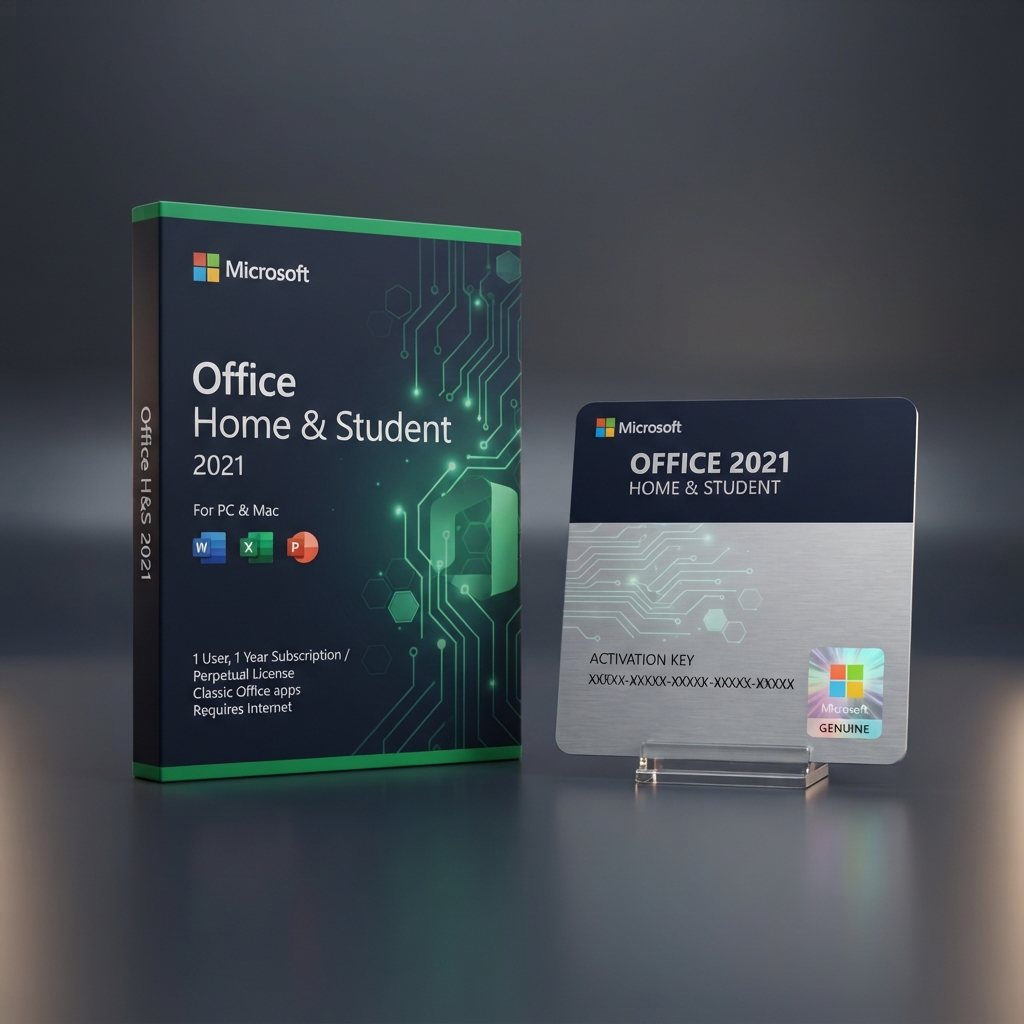
A genuine Microsoft Office 2021 Home Student license gives everyday users and learners instant, lifetime access to Word, Excel, and PowerPoint, activated directly against Microsoft’s licensing servers within minutes of checkout. Unlike subscriptions that lapse the moment payment stops, this is a perpetual, one-time purchase built for a single household PC. As part of our complete Microsoft Office software catalog, this Home & Student edition is the most affordable entry point into the desktop suite, aimed at students, home users, and anyone who only needs the core writing, spreadsheet, and presentation apps.
Why the Microsoft Office 2021 Home Student Edition Is Right for Everyday Use
Every Microsoft Office 2021 Home Student license sold through LicensesVault is sourced through authorized channels, checked for activation validity before dispatch, and delivered instantly by email with zero shipping delays. This suits students writing essays, parents managing household budgets, and hobbyists building presentations, all of whom want reliable desktop tools without paying for features like Outlook or Access that they will never touch.
Licensing scope is where the Microsoft Office 2021 Home Student edition draws a firm line: it covers personal, non-commercial use only, on a single device. Users who need the same applications with commercial-use rights for freelance or client work should instead review the Microsoft Office 2021 Home & Business for Mac license, a lateral option built for small-business and invoicing scenarios on Apple hardware.
Core Features & Architecture
Beyond the essentials, the Microsoft Office 2021 Home Student release unlocks a stable, offline-first trio of applications built for uninterrupted schoolwork, budgeting, and personal projects, without any cloud dependency once activation is complete.
Word for Essays, Resumes, and Reports
Word 2021 ships with an improved Editor pane for grammar and style suggestions, cleaner co-authoring indicators, and dark mode support, making it a dependable choice for coursework, cover letters, and long-form writing projects.
Excel for Budgets and Coursework Data
Excel gains dynamic arrays, XLOOKUP, and new chart types including maps and funnels, giving students and home users a genuinely modern spreadsheet engine for budgeting, grade tracking, and small data projects.
PowerPoint for Presentations
PowerPoint 2021 includes Morph and Zoom transitions, a Designer feature that automatically suggests slide layouts, and improved recording tools, letting students and hobbyists build polished presentations without third-party design software.
One-Time Activation, No Renewal
Because this is a perpetual license rather than a subscription tier, activation happens once on the licensed device and the applications keep working indefinitely with no recurring Microsoft 365 charge appearing on a card statement.
Management, Compatibility & Infrastructure
For a single household PC, activating a Microsoft Office 2021 Home Student license is simple: it ties to a Microsoft account, requires no domain infrastructure, and needs no ongoing cloud subscription management once installation finishes on the target machine.
- Compatible with Windows 10 and Windows 11 (64-bit and 32-bit builds)
- Licensed for personal, non-commercial use on one device only
- No forced telemetry-driven feature updates or ribbon redesigns
- Fully offline installation media supported after initial activation
- Consistent .docx, .xlsx, and .pptx formatting across connected devices
Technical Specifications
| Technical Specification | Entitlement Details |
|---|---|
| License Type | Microsoft Office 2021 Home Student — Retail, Lifetime, 1 PC |
| Applications Included | Word, Excel, PowerPoint |
| Supported OS | Windows 10 / Windows 11 (32-bit and 64-bit) |
| Activation Method | Digital key via Microsoft activation servers |
| Delivery Format | Instant email with key, invoice, and setup link |
Step-by-Step License Redemption Guide
- Check your inbox for the LicensesVault order confirmation containing your unique product key.
- Visit Microsoft’s official setup portal and sign in with a Microsoft account.
- Enter your Microsoft Office 2021 Home Student product key exactly as shown, with no extra spaces, then select “Next” to validate it.
- Download the Office installer, confirming the key has attached correctly to your account before installation begins.
- Run the installer, sign in when prompted, and open any application to confirm activation is complete.
Frequently Asked Questions About Microsoft Office 2021 Home Student
Is this a lifetime license or a yearly subscription?
A Microsoft Office 2021 Home Student license is a one-time, perpetual purchase — no renewal fees, and the applications keep working indefinitely once activation is complete on the licensed PC.
Can I use this license for freelance or client work?
No. This edition is licensed strictly for personal, non-commercial use. Freelancers and small-business owners billing clients should choose an edition with commercial-use rights instead.
Which edition should I choose if I need Outlook and full commercial rights?
For a complete business-ready suite with Outlook, Publisher, and Access included, along with commercial-use rights, upgrade to the Microsoft Office 2021 Professional Plus key, our top-tier vertical option in this silo.
Reviews
There are no reviews yet.