
The Ultimate Guide to Software Licenses in 2026
Welcome to the definitive guide on software licensing. Whether you are building a new PC, setting up a home office, or provisioning an enterprise IT infrastructure, understanding how modern software licenses work is critical. The landscape has shifted dramatically, moving from physical discs to digital activation keys, and from perpetual offline ownership to cloud-driven subscriptions.
In this comprehensive guide, we will break down everything you need to know about how to buy software licenses, activate them securely, and manage your software licenses in 2026. We will explore the key differences when evaluating retail vs oem options, how to identify legitimate digital vendors, and how to get maximum value without compromising system security.
1. Understanding the Types of Software Licenses
Before you decide to buy software licenses, you must understand the three primary types of software licenses available on the market today. Choosing the wrong license model can lead to wasted budget, activation errors, or compliance headaches down the road.
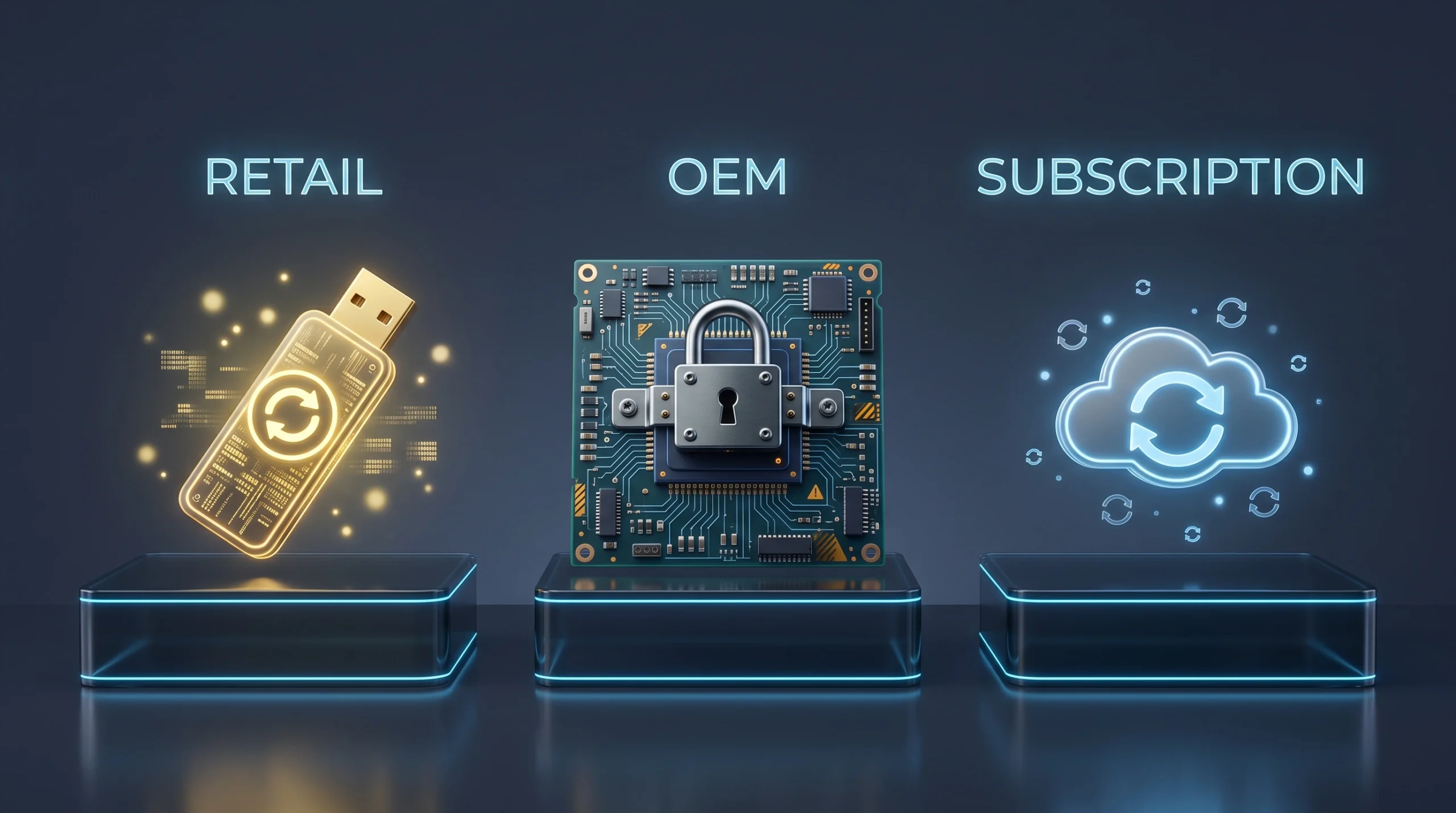
When comparing retail vs oem software licenses, the fundamental distinction comes down to hardware portability, long-term costs, and official vendor support.
Retail Licenses (The Gold Standard)
A Retail license is what you typically purchase directly from the software developer or an authorized consumer reseller. It is legally tied to your personal user account, not the physical machine. This means if you build a new PC or replace your workstation, you can transfer your Retail license from the old system to the new one. Furthermore, these software licenses include direct telephone and web support from the publisher.
OEM Licenses (The Budget Option)
OEM stands for Original Equipment Manufacturer. These licenses are distributed in volume to system builders like Dell, HP, and Lenovo, who pre-install them onto brand-new machines. In the digital secondary market, you can purchase these keys at substantial discounts. However, an OEM license permanently locks to the unique hardware ID fingerprint of your motherboard. If your motherboard is replaced, the license is forfeited.
Subscription Licenses (The Recurring Model)
Publishers such as Adobe and Microsoft have largely pivoted toward recurring subscriptions (e.g., Adobe Creative Cloud and Microsoft 365). Rather than buying perpetual software licenses outright, you pay an ongoing monthly or annual fee. This ensures continuous cloud storage and version updates, but you do not retain perpetual rights to the program once billing ceases.
| Feature | Retail License | OEM License | Subscription |
|---|---|---|---|
| Transferable? | Yes (to new PCs) | No (tied to 1st motherboard) | Yes (with account) |
| Upfront Cost | High | Low | Low (monthly/yearly) |
| Long-term Cost | One-time payment | One-time payment | Recurring forever |
| Support | Microsoft/Developer | OEM Partner Only | Developer |
2. Why Genuine Software Licenses Matter in 2026
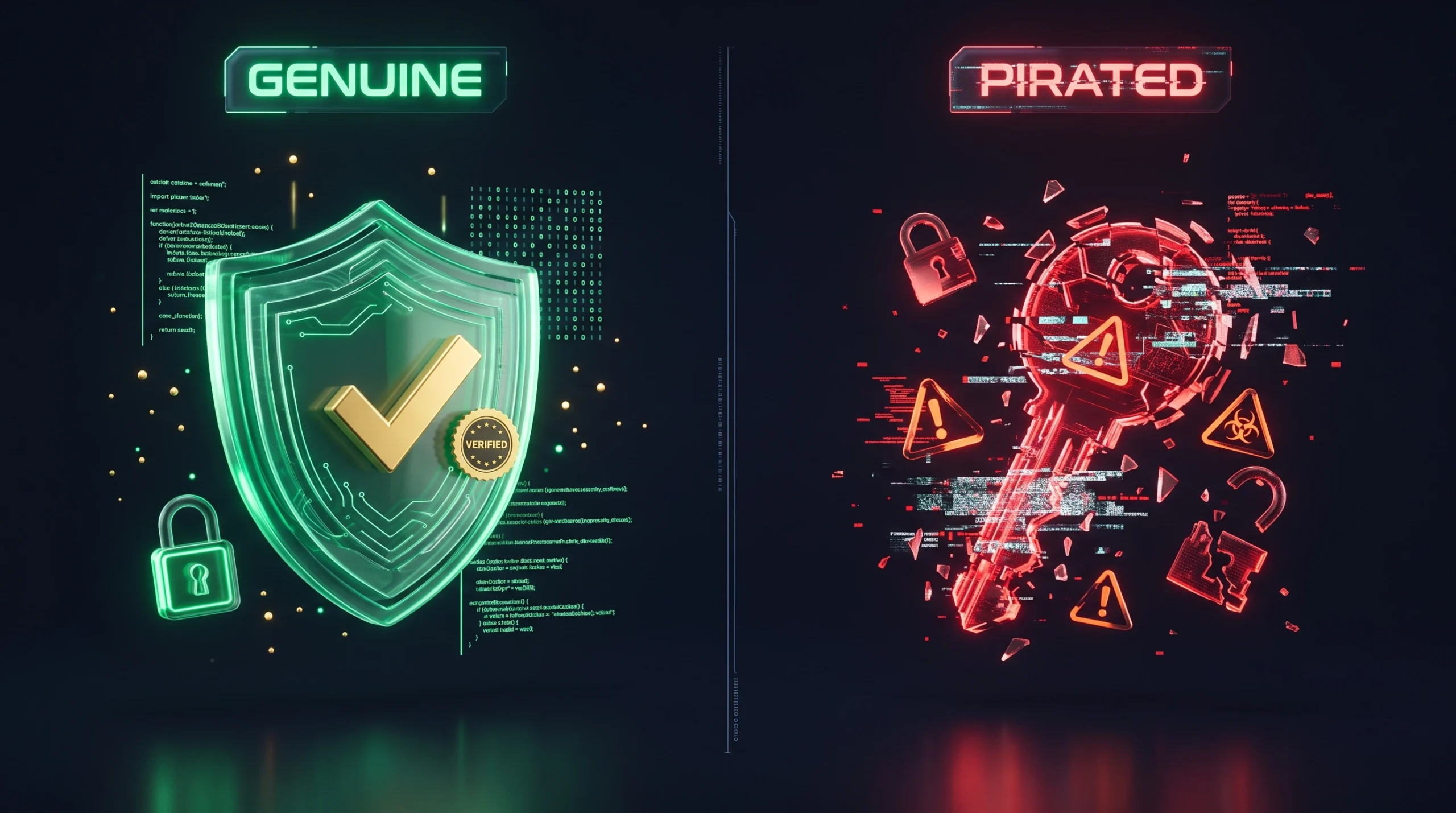
You might be tempted to download an unauthorized “crack” or buy an unverified $5 activation string. However, investing in authentic software licenses in 2026 is an indispensable requirement for basic security hygiene:
- Security Vulnerabilities: Cracked software archives regularly harbor trojans, rootkits, and ransomware designed to compromise financial data and credentials.
- Zero Patch Protection: Unlicensed systems are systematically blocked from automated security patches, leaving endpoints vulnerable to day-zero exploits.
- Commercial & Audit Compliance: Operating unlicensed software within a professional or enterprise workspace creates severe legal liabilities and statutory audit penalties.
3. Navigating the Digital Marketplace to Buy Software Licenses
The rise of digital e-commerce has made it easier than ever to buy software licenses online, but it has simultaneously introduced grey-market risks and stolen volume keys. Here is how you can reliably assess digital merchants:
4. Choosing Software Licenses by Category: What to Look For
When you prepare to buy software licenses for your workstations or home setups, your acquisition strategy should align with the exact class of application you require.
Desktop Operating Systems (Windows 10 & 11)
For Windows systems, OEM licenses remain exceptionally popular for fresh desktop builds because they drastically reduce deployment costs. If you are updating an existing rig or intend to replace your motherboard in the near future, purchasing Retail software licenses is the superior option. Always make sure to match your license tier with the matching OS edition (Home vs. Pro).
Explore our genuine Windows 11 Pro OEM license.
Productivity Suites (Microsoft Office)
Microsoft Office 2016, 2019, and 2021 remain available as one-time perpetual purchases. This architecture is ideal for workstations that do not require cloud storage hooks. Select “Professional Plus” for Access and database tools, or “Home & Student” for standard office document workflows.
Browse our Microsoft Office 2021 Professional Plus license.
Creative Tools (Adobe Creative Cloud)
Adobe distributes creative tooling exclusively through subscription plans. Be aware that permanent or lifetime Adobe CC licenses do not exist; any vendor advertising lifetime access is selling unauthorized or spoofed software. Instead, purchase prepaid 1-month or 1-year product voucher keys that bind directly to your official Adobe ID (Source: Adobe Subscription Terms (opens in a new tab)).
View our Adobe Creative Cloud All Apps 1-year subscription.
Cybersecurity & Antivirus
When selecting cybersecurity coverage (e.g., Bitdefender, Kaspersky, or ESET), always verify the license device quota and duration. A 5-device, 1-year seat provides completely different perimeter coverage than a single-workstation key. Always acquire keys through established channels so that your license maintains valid cloud definitions throughout the year.
Protect your systems with Bitdefender Total Security (5 devices).
5. How to Safely Activate Your Software Licenses
Once you have received your product key, completing the activation process is simple if you follow standard security best practices:
- Confirm System Compatibility: Verify your operating system, CPU architecture, and TPM modules satisfy hardware prerequisites prior to activation.
- Acquire Clean Official Media: Always retrieve deployment ISOs and executables directly from first-party manufacturer portals (such as Microsoft or Adobe). Never execute setup files downloaded from third-party hosts.
- Temporarily Disable VPN Tunnels: Enterprise and consumer activation clusters regularly blacklist datacenter proxy IPs. Deactivate VPNs during initial key validation.
- Adhere to Official Activation Workflows: Follow the step-by-step registration instructions supplied by your vendor. If you need step-by-step assistance, review our dedicated activation guide.
Ready to Upgrade Your Software?
Do not compromise stability with pirated software. Receive genuine, verified digital keys delivered immediately to your inbox.
Browse All Software KeysFrequently Asked Questions (FAQ)
Are cheap software licenses legal?
It depends. Purchasing surplus Retail or genuine OEM software licenses from an authorized reseller is generally legal in most jurisdictions. However, OEM licenses are formally intended for system integrators, and independent resale may be subject to regional contract limitations under local commercial regulations. We always recommend reviewing your software’s End User License Agreement (EULA) prior to commercial deployment. (Source: Microsoft EULA (opens in a new tab)).
What happens if my OEM key stops working after a motherboard upgrade?
OEM keys bind permanently to the hardware fingerprint of your initial motherboard. If the motherboard is swapped, the activation signature is revoked, requiring a replacement OEM or Retail license key.
Can I transfer a Retail license to a new computer?
Yes. Retail software licenses feature full portability. You can detach the license from the retired PC, re-install on your new device, and complete activation through the native OS management interface or customer support.
Do you offer support if my key doesn’t activate?
Yes, comprehensive activation support is provided. If any purchased digital key encounters validation issues, our technical team will troubleshoot, replace the key, or initiate a full refund as detailed in our Refund and Returns Policy.