
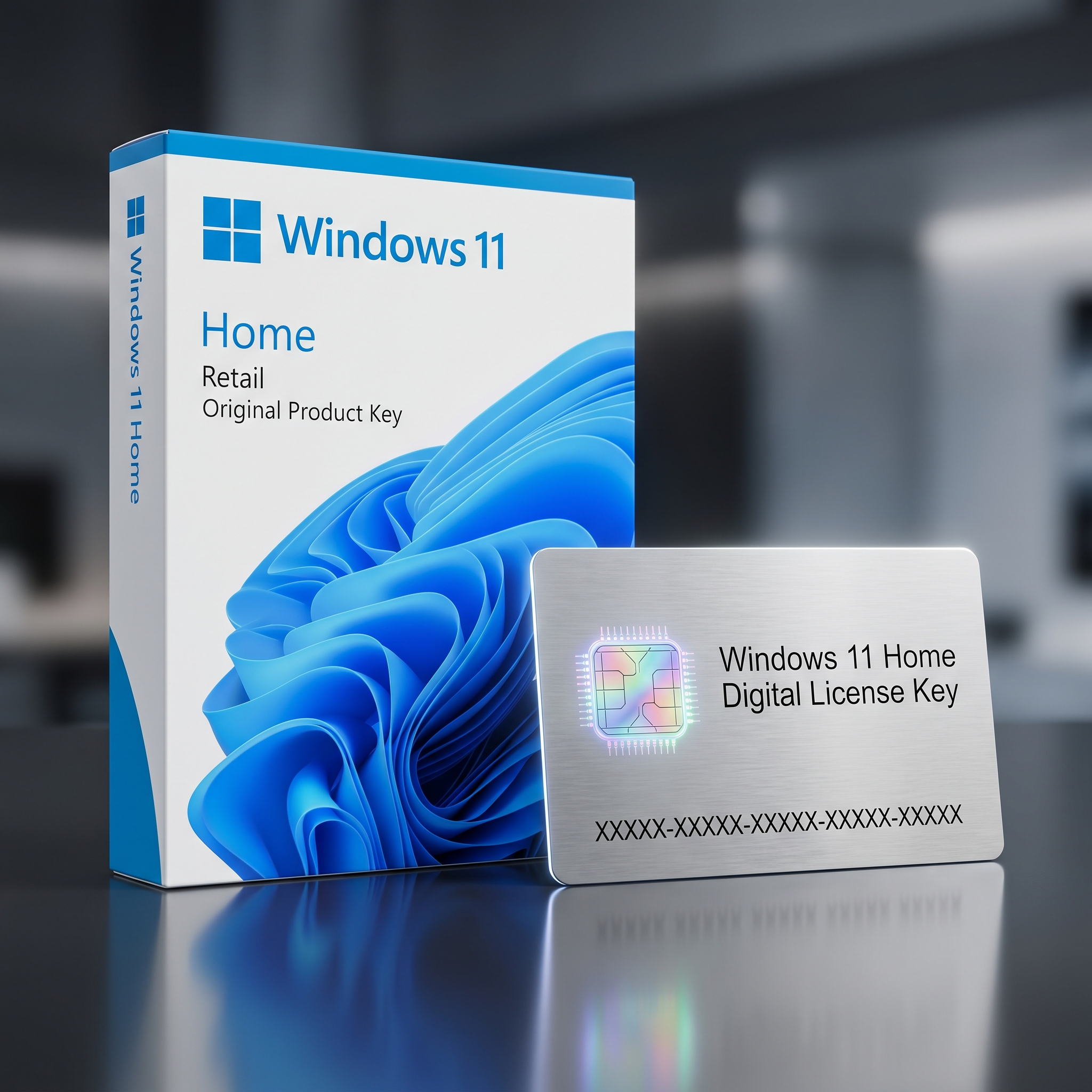
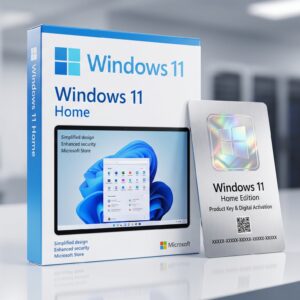
The Windows 11 Home OEM Key is a permanent, hardware-bound activation license built for budget-conscious system builders and everyday users setting up a brand-new desktop for the very first time. As part of our complete Windows operating systems catalog, this edition delivers the full Windows 11 Home experience, including Windows Hello, device encryption, and the Microsoft Store, at the lowest possible price point.
Because the license is issued under Microsoft’s System Builder program, it ships without a physical box or DVD and is designed to be activated once, during the original installation, on the motherboard it is first paired with. This makes it the most cost-effective route for anyone assembling a custom rig, refurbishing a machine for resale, or outfitting a home office on a tight budget.
Windows 11 Home OEM Key for New Builds and Budget Upgrades
Choosing a Windows 11 Home OEM Key makes the most sense for builders and home users who are installing an operating system on freshly assembled hardware and want genuine Windows without paying for features they will never use. The license activates instantly against the motherboard’s embedded identifiers, giving even first-time builders a fast, one-time provisioning path.
Unlike a fully transferable license, the Windows 11 Home OEM Key stays permanently tied to the first motherboard it activates on and cannot be moved to a second machine later. Buyers who expect to rebuild their PC frequently, swap motherboards, or move a license between several computers over time should instead compare the Windows 11 Home Retail key, which permits full license migration to a new build while keeping the same Home-tier feature set.
Core Features & Architecture
Every Windows 11 Home OEM Key ships with the complete Home edition feature set, tuned for everyday computing, media consumption, and the security basics that keep a personal PC protected without added complexity or extra cost.
Windows Hello & Device Security
Facial recognition, fingerprint sign-in, and device encryption keep personal files protected without requiring users to manage complex security policies.
Microsoft Store & App Ecosystem
Full access to the Microsoft Store, Xbox app integration, and Widgets keeps entertainment, gaming, and productivity apps just a click away.
Snap Layouts & Multitasking
Redesigned Snap Layouts and virtual desktops make it easy to organize browser tabs, documents, and apps side by side on any screen size.
Automatic Updates & Defender
Windows Update and Microsoft Defender run continuously in the background, keeping the system patched and protected from emerging threats with zero manual effort.
Management, Compatibility & Infrastructure
Because the Windows 11 Home OEM Key is a fully licensed digital entitlement issued for a single build, it installs cleanly on any qualifying consumer motherboard and requires no ongoing account management beyond the standard Microsoft sign-in used for Store purchases and OneDrive backup.
- Compatible with UEFI firmware, Secure Boot, and TPM 2.0-equipped motherboards
- Supports 64-bit clean installs on new hardware and qualifying refurbished builds
- Works with OneDrive, Microsoft 365 Personal, and Xbox Game Pass out of the box
- Automatic delivery via email with genuine ISO download links and activation instructions
Technical Specifications
| Technical Specification | Entitlement Details |
|---|---|
| License Type | Windows 11 Home OEM Key – single motherboard, non-transferable |
| Delivery Method | Instant digital delivery via email, no physical media included |
| Architecture | 64-bit (x64) only |
| Activation Method | Online activation through Windows Settings > Activation |
| Language Support | All Microsoft-supported display languages |
| Validity | Lifetime, one-time activation, no subscription fees |
Step-by-Step License Redemption Guide
- Check your inbox for the LicensesVault order confirmation email containing your unique product key and download instructions.
- Download the official Windows 11 ISO or use Media Creation Tool to build a bootable USB installer on the target machine.
- Boot from the installer, follow the on-screen setup prompts, and select the Windows 11 Home edition when asked which version to install.
- Once the desktop loads, open Settings > System > Activation and enter your Windows 11 Home OEM Key exactly as it appears in your confirmation email.
- Confirm activation status shows “Windows is activated with a digital license.” If issues arise, verify the key through Microsoft’s official Windows activation support portal.
Frequently Asked Questions About Windows 11 Home OEM Key
Can I move my OEM key to a new PC later?
No. As a system-builder license, this key is permanently bound to the first motherboard it activates on and cannot be reissued to a different machine once activated.
Do I need Home, or should I upgrade to Professional?
If your workflow never requires BitLocker, Hyper-V, or domain join, the Windows 11 Home OEM Key covers everything most personal builds need at the lowest price. If remote desktop hosting or virtualization is essential, compare the Windows 11 Professional OEM key, which adds those business-oriented tools on the same permanent license type.
Is this a genuine, lifetime license?
Yes. Every key is a genuine, one-time-purchase Microsoft license with no recurring fees, sourced through legitimate system-builder channels and validated before dispatch.
Reviews
There are no reviews yet.