
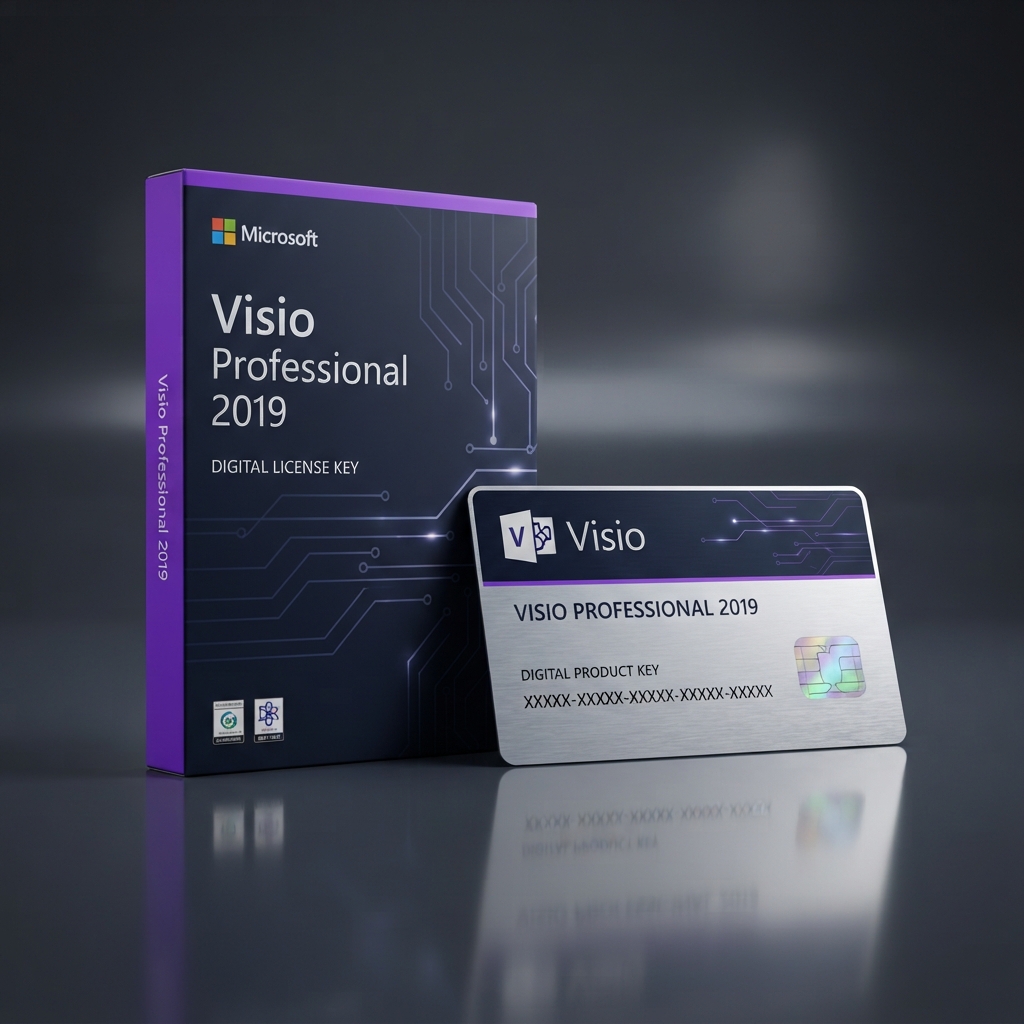
Microsoft Visio Professional 2019 Key unlocks the full desktop edition of Microsoft’s flagship diagramming and data-visualization application, giving business analysts, engineers, and IT teams a permanent, offline-capable license for a single Windows PC. Unlike cloud-only diagramming tools that lock your files behind a recurring paywall, this one-time purchase grants perpetual usage rights, so your flowcharts, network diagrams, and floor plans remain fully accessible for as long as you own the hardware. As part of our complete Microsoft Office software catalog, this listing is built for consultants, architects, and IT departments who need enterprise-grade diagramming tools without committing to Microsoft 365 subscription billing.
Every key sold here is sourced through legitimate volume licensing channels and activated directly through Microsoft’s own servers, with no third-party wrapper software or feature-limited trial mode. The license attaches to your Microsoft account, so reinstalling after a hardware failure is a matter of signing back in rather than repurchasing anything.
Why the Microsoft Visio Professional 2019 Key Delivers Lasting Value
Analysts and engineers producing network topologies, org charts, or BPMN process flows rely on Professional-tier features the standard edition omits, including data-linked diagrams, industry-standard shape sets for UML and IEEE, and validation rules for compliance diagrams. The Microsoft Visio Professional 2019 Key suits organizations that need to connect live data sources to visuals and generate audit-ready documentation without exporting data into a third-party charting tool.
The Microsoft Visio Professional 2019 Key also appeals to teams that value operational stability over chasing the newest cloud release, since the 2019 build carries years of patch history and predictable stencil compatibility for departments running legacy templates. If your workflow leans more on scheduling than diagramming, compare it against Microsoft Project Professional 2019, a lateral tool from the same release wave built for Gantt charts and task management.
Core Features & Architecture
Beyond basic shape libraries, the Microsoft Visio Professional 2019 Key is built around four pillars: data-linked diagramming, industry-standard shape sets, collaboration tooling, and deep interoperability with the Office ecosystem.
Data-Linked Diagramming
Connect diagrams directly to Excel, SQL Server, or other data sources so shapes update automatically as underlying figures change, keeping dashboards and org charts current without manual edits.
Industry-Standard Shape Sets
Build compliant diagrams using BPMN 2.0, UML 2.5, and IEEE-standard shape libraries, ideal for regulated industries that require validated process documentation.
Team Collaboration Tools
Multiple contributors can comment on and co-edit shared diagrams, with change tracking that keeps distributed teams aligned on the latest revision.
Broad Template Coverage
Pre-built templates cover networking, floor plans, org charts, and engineering schematics, cutting the time needed to start a new diagram from scratch.
Management, Compatibility & Infrastructure
Deployment of the Microsoft Visio Professional 2019 Key is straightforward for IT administrators, since the installer uses the same Click-to-Run technology found across the Office 2019 lineup, supporting both 32-bit and 64-bit Windows from a single download package. Activation ties to your Microsoft account rather than a machine fingerprint, simplifying reinstalls after hardware upgrades.
- ✔ Compatible with Windows 10 and Windows 11 (32-bit and 64-bit)
- ✔ Full offline functionality after activation
- ✔ Native .vsdx file support, backward compatible with earlier Visio versions
- ✔ Optional SharePoint and Visio Services integration
- ✔ One-time activation, no recurring fees
Technical Specifications
| Technical Specification | Entitlement Details |
|---|---|
| License Type | Genuine retail license — Microsoft Visio Professional 2019 Key, single-user, perpetual |
| Activation Method | Digital key redeemed via Microsoft account, online activation |
| Supported OS | Windows 10, Windows 11 (32-bit / 64-bit) |
| Devices Covered | 1 PC (transferable to a new device upon deactivation) |
| Delivery Method | Instant digital delivery via email and account dashboard |
| Language Support | Multi-language installer, selectable at setup |
Step-by-Step License Redemption Guide
- Complete your checkout and locate the confirmation email containing your unique alphanumeric key.
- Sign in with an existing Microsoft account, or create a free one if you don’t already have one.
- Navigate to Microsoft’s official setup.office.com redemption portal and enter your Microsoft Visio Professional 2019 Key exactly as it appears in your confirmation email.
- Download the installer package once the portal confirms your key has been validated, then run it and follow the on-screen prompts.
- Launch Visio, sign in with the same Microsoft account used during redemption, and confirm the license shows as activated under File > Account.
Frequently Asked Questions About Microsoft Visio Professional 2019 Key
Can I move this license to a new computer later?
Yes. A Microsoft Visio Professional 2019 Key is tied to your Microsoft account rather than a single hardware fingerprint, so deactivating it on your old PC and reactivating on a replacement machine is fully supported.
Is this a subscription or a one-time purchase?
This is a one-time, perpetual purchase with no recurring billing. If your team wants continuously updated cloud features and shared Office apps bundled together, our Microsoft Office 2019 Professional Plus listing is the vertical option worth comparing against a Visio-only license.
What is the difference between Standard and Professional editions?
Professional adds data-linked diagramming, industry-standard shape sets for BPMN and UML, and team collaboration features Standard omits, making it the right choice for analysts producing compliance-ready or data-driven diagrams.

Reviews
There are no reviews yet.