
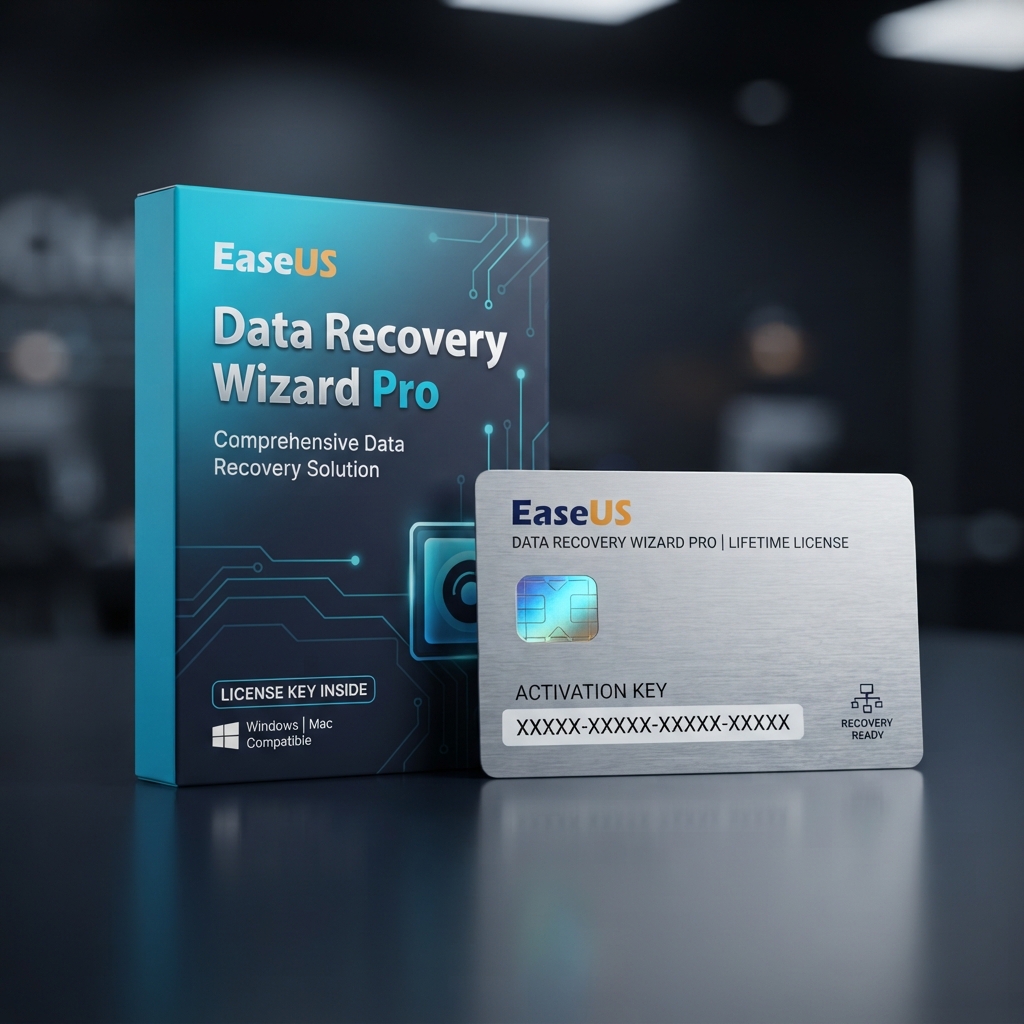
EaseUS Data Recovery Wizard Pro is the reseller-grade recovery license built for anyone who has lost photos, documents, or entire partitions to accidental deletion, formatting, or drive corruption. Licensed users unlock unlimited data restoration across drives, SSDs, USB media, memory cards, and RAID arrays. It’s distributed by LicensesVault within our broader system utilities and data recovery catalog, alongside backup and cleanup tools buyers often compare before checkout. Whether recovering a photo folder or restoring a client’s failed drive, the process is fast, predictable, and fully documented.
Why EaseUS Data Recovery Wizard Pro Is the Reseller’s Top Recovery Pick
EaseUS Data Recovery Wizard Pro treats recovery as a workflow, not a gamble. A quick scan surfaces recently deleted files within seconds, then escalates to a deep scan that rebuilds file signatures sector by sector when needed. Recovered files are sorted by type and original path, so technicians can hand back an orderly folder instead of a loose-file dump, and preview support means you only restore what you actually need.
Edition stability is what separates EaseUS Data Recovery Wizard Pro from bargain-bin alternatives: the Pro tier handles larger source volumes, more file-system variations, and keeps recovering reliably after an interrupted scan. Buyers wanting a full backup workflow rather than point-in-time recovery often pair this with AOMEI Backupper Professional, so scheduled backups reduce how often recovery is ever needed.
Core Features & Architecture
The feature set inside EaseUS Data Recovery Wizard Pro is built around three pillars: recovery depth, format coverage, and post-scan usability.
Dual-Mode Scanning Engine
A quick scan locates recently removed files almost instantly, while the deep scan reconstructs data from raw sectors after reformatting or file-system errors. Both modes can be paused and resumed, useful on large drives.
Broad Format and Device Support
Recovery covers over 1,000 file types, including RAW photos, video, Office documents, and archives, across internal drives, external enclosures, USB media, SD cards, and RAID configurations.
Filtered Preview Before Restore
Every recoverable file can be previewed and filtered by type, size, or date before you commit storage space, useful when a scan returns thousands of fragments.
Crash and Corruption Recovery
The tool also handles system-level failures: pulling data from a drive that won’t boot, repairing corrupted partition tables, and recovering from bad sectors without further damaging the source media.
Management, Compatibility & Infrastructure
Beyond the scan engine, EaseUS Data Recovery Wizard Pro slots into an existing IT toolkit without friction. Licenses activate against a single machine ID, updates deliver through the application, and the interface stays consistent across supported Windows builds.
- Compatible with Windows 11, Windows 10, and Windows 8.1/8 desktop and laptop hardware
- Supports NTFS, FAT32, exFAT, and ReFS file systems out of the box
- Recovers from internal drives, external HDD/SSD enclosures, USB flash drives, and memory cards
- Includes bootable media creation for recovering data from drives that fail to start Windows
- License key delivered digitally with lifetime activation support for the covered machine
Technical Specifications
| Technical Specification | Entitlement Details |
|---|---|
| Product | EaseUS Data Recovery Wizard Pro |
| License Type | 1 PC, single-user Pro license |
| Activation | Digital key, lifetime activation on the registered device |
| Supported OS | Windows 11, Windows 10, Windows 8.1/8 |
| File Systems | NTFS, FAT32, exFAT, ReFS |
| Delivery Method | Automated email delivery within minutes of checkout |
| Support | Vendor technical support and free minor version updates |
Step-by-Step License Redemption Guide
- Complete checkout on LicensesVault; your license key and download link arrive automatically by email within minutes.
- Download the official EaseUS installer from the vendor’s site using the link in your confirmation email.
- Install the application, then open it and select “Activate” from the menu to begin registering your EaseUS Data Recovery Wizard Pro license.
- Paste your license key into the activation window and confirm; the software unlocks full Pro-tier recovery limits immediately after validation.
- Run a quick scan to confirm activation, then proceed with a deep scan if your files aren’t found right away.
For account-level license management, password resets, or reinstalling on a replacement drive, use the official EaseUS account and activation portal to verify your registered key.
Frequently Asked Questions About EaseUS Data Recovery Wizard Pro
Is this a genuine, one-time-purchase license or a subscription?
This is a genuine one-time-purchase license key, not a subscription. Once activated, it remains usable on the registered machine without renewal charges.
Can I move my license to a new computer if my hardware fails?
Yes. If your machine fails or you upgrade hardware, EaseUS Data Recovery Wizard Pro can be deactivated on the old device and reactivated on the replacement through the vendor’s account portal, subject to reasonable-use policy.
What’s the real difference between this Pro edition and the free version?
The free version caps recovery at a small amount of data and limits deep-scan access, while the Pro edition removes those recovery limits entirely and adds bootable-media creation for unbootable drives. If your priority shifts toward broader system maintenance rather than emergency recovery, our CCleaner Professional license is a useful companion for keeping the same machine running cleanly between recovery events.

Reviews
There are no reviews yet.