
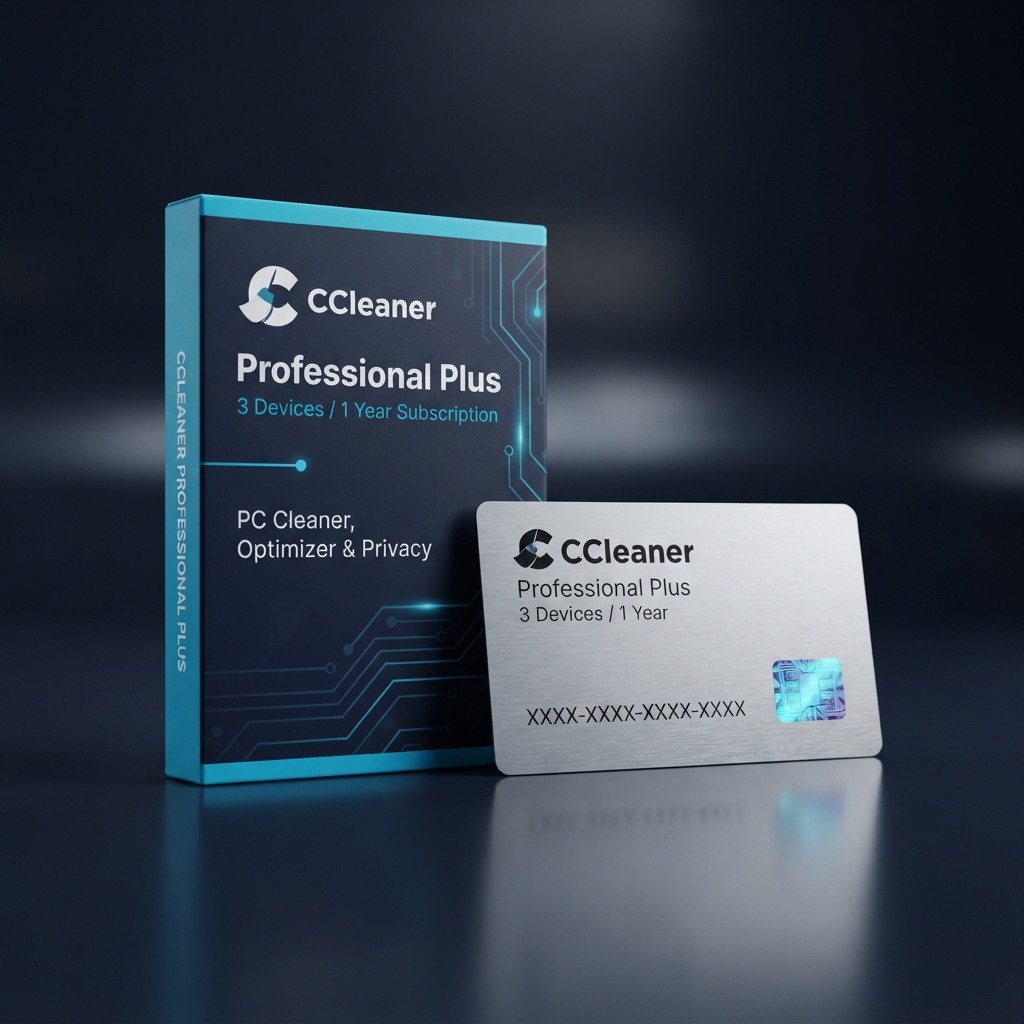
CCleaner Professional Plus 3 Devices delivers advanced multi-PC tune-up, driver optimization, and deep registry sanitization. As an elite package within our catalog of system utilities and maintenance tools, this license enables users to reclaim lost storage, disable resource-draining startup items, and safeguard digital privacy across their home or business endpoints.
Over time, operating systems accumulate temporary caches, broken registry keys, and tracking telemetry that degrade responsiveness. Rather than letting junk data slow down solid-state drives, this commercial solution deploys certified algorithms that remove redundant files without endangering critical operating system components.
Why Deploy CCleaner Professional Plus 3 Devices Across Your Systems
Managing multi-seat setups demands continuous oversight, making CCleaner Professional Plus 3 Devices an essential utility suite for power users and small offices. Instead of troubleshooting degraded performance and application crashes on one machine, this unified key empowers users to automate maintenance across three separate Windows workstations simultaneously.
While safeguarding critical files requires dedicated backup solutions like AOMEI Backupper Professional, CCleaner Professional Plus 3 Devices maintains active operating efficiency by resolving registry discrepancies and clearing tracking cookies. This balanced maintenance approach ensures every covered PC retains rapid boot speeds, responsive browsing, and prolonged drive health over years of daily operation.
Core Features & System Architecture
Investing in CCleaner Professional Plus 3 Devices unlocks premium automated modules engineered to stabilize computing environments and maintain peak desktop performance.
Automated Driver Updater Engine
Outdated hardware drivers cause peripheral failures, screen stuttering, and blue-screen crashes. The integrated Driver Updater scans connected components against an authenticated database of over 25 million drivers, automatically delivering certified updates for sound cards, graphics adapters, network interfaces, and external devices.
Proactive Software Updater and Vulnerability Patching
Unpatched desktop software represents a primary vector for security vulnerabilities. The automated Software Updater monitors installed third-party programs, silently applying security patches and bug fixes in the background to eliminate exploits without requiring tedious manual installation routines.
Complete Utility Suite Integration
Beyond standard cleaning, this bundle includes three specialized utilities: Recuva for recovering deleted files, Defraggler for optimizing fragmented mechanical hard drives, and Speccy for generating real-time hardware diagnostic reports detailing CPU, motherboard, and storage temperatures.
Advanced Browser Sanitization and Privacy Shield
Modern web browsing leaves gigabytes of tracking cookies and stored cache databases. The built-in privacy guard cleans browsing traces across Chrome, Firefox, Edge, and Opera, automatically purging sensitive session histories whenever browser windows close to defend personal confidentiality.
Management, Compatibility & Infrastructure
Engineered for versatile deployment, CCleaner Professional Plus 3 Devices delivers reliable performance optimization without imposing heavy CPU overhead or depleting battery reserves.
- Operating System Support: Fully compatible with 64-bit and 32-bit editions of Windows 11, Windows 10, Windows 8.1, and Windows 7 SP1.
- Low Resource Overhead: Runs silently in the background, utilizing under 50 MB of RAM during active disk analysis and cleaning operations.
- Flexible Seat Allocation: Distribute and activate your 3 individual device licenses across desktop workstations and mobile laptops as needed.
- Non-Destructive Cleaning: Built-in safety filters protect core Windows files, system restore points, and vital administrative registry settings.
Technical Specifications
| Technical Specification | Entitlement Details |
|---|---|
| Product Name | CCleaner Professional Plus 3 Devices |
| License Format | Digital License Key (Alphanumeric Activation Code) |
| Device Allocation | 3 Separate PC Workstations |
| Subscription Duration | 1 Year (12 Months from Activation Date) |
| Included Applications | CCleaner Pro, Recuva Pro, Defraggler Pro, Speccy Pro |
| Delivery Method | Instant Electronic Delivery via Email |
Step-by-Step License Redemption Guide
- Download the official software installer directly from the vendor at the CCleaner Official Download Portal.
- Launch the setup wizard, select your preferred installation language, and complete the installation steps.
- Open the program, click the Options tab on the left sidebar, and select About.
- Click Upgrade to Pro, enter your registered name, and paste your genuine CCleaner Professional Plus 3 Devices activation key.
- Click Register to validate your subscription, then repeat these steps on your remaining two computers.
Frequently Asked Questions About CCleaner Professional Plus 3 Devices
Can I transfer an activated license seat if I upgrade my computer hardware?
Yes, your multi-device entitlement permits hassle-free seat transfers. If you retire a workstation or purchase a new computer, uninstall the software from the original machine or remove the registration within account settings, then apply your activation code on the new system.
How does this multi-seat package compare to single-machine licenses?
For users maintaining a single workstation who do not require supplementary tools, our standalone CCleaner Professional 1 PC license provides dedicated single-seat cleaning. However, selecting CCleaner Professional Plus 3 Devices provides significantly greater value by covering three workstations and unlocking the complete utility suite including Recuva, Defraggler, and Speccy.
Will automated background cleaning interfere with running programs?
No, the intelligent background engine is designed for discreet operation. It recognizes when web browsers or resource-intensive applications are running, automatically pausing deep cleaning routines until the workstation is idle to avoid unexpected interruptions or document closures.



Reviews
There are no reviews yet.