
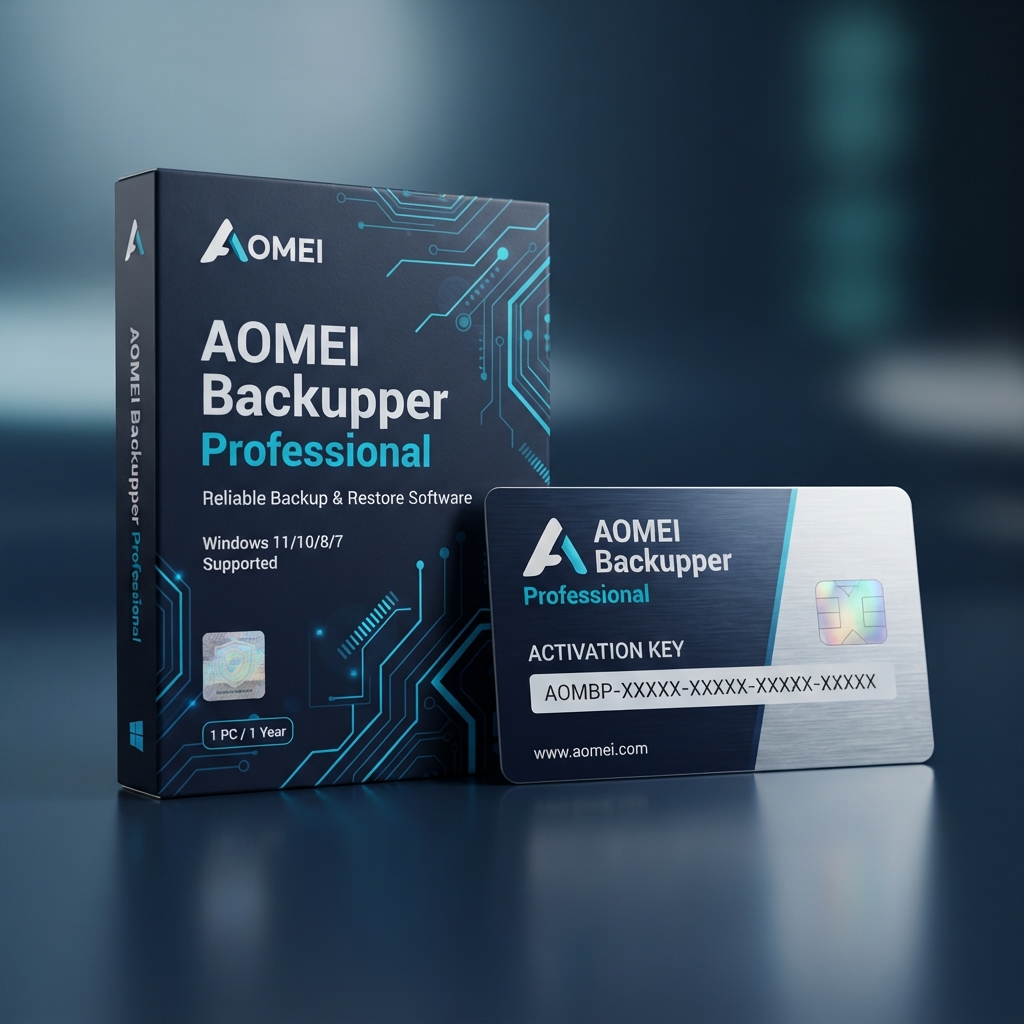
The AOMEI Backupper Professional – 1 PC Lifetime License Key delivers comprehensive backup, disk cloning, and disaster recovery capabilities for Windows workstations. Designed for power users, remote professionals, and small businesses seeking absolute data continuity, this perpetual software license safeguards your critical documents, partition tables, and operating system configurations against ransomware, drive corruption, and catastrophic hardware failures. As a flagship solution within our curated catalog of authentic system utilities and data recovery tools, this standalone utility eliminates recurring annual software subscription fees while establishing an automated, set-and-forget safeguard for your primary computer.
Complete Data Protection with AOMEI Backupper Professional – 1 PC Lifetime License Key
Deploying the authentic AOMEI Backupper Professional – 1 PC Lifetime License Key ensures continuous operating system resilience through scheduled incremental and differential imaging routines. Rather than forcing manual backups or complex server scripts, the software continuously tracks block-level data modifications across solid-state drives (SSDs) and mechanical hard disks (HDDs). This architecture prevents system slowdowns during working hours by offloading data transfer tasks into silent background processes, allowing you to sustain heavy productivity without experiencing latency or read-write bottlenecks.
While dedicated file-unshredding tools such as EaseUS Data Recovery Wizard Pro specialize in salvaging individual missing files after unexpected drive formatting, investing in the AOMEI Backupper Professional – 1 PC Lifetime License Key guarantees full bare-metal recovery before catastrophic failures happen. By generating sector-by-sector volume replicas and bootable WinPE media, you can resurrect an unresponsive machine on dissimilar hardware without reinstalling Windows or reconfiguring software environments from scratch.
Core Features and Storage Architecture
Configuring the AOMEI Backupper Professional – 1 PC Lifetime License Key unlocks an expansive suite of professional-grade disk management and synchronization tools:
System, Disk, and Partition Imaging
Capture hot images of active Windows installations using Microsoft Volume Shadow Copy Service (VSS) integration. Back up whole dynamic volumes, NVMe arrays, or critical directory structures directly to local drives, external storage devices, or network-attached storage (NAS) appliances without rebooting your active work sessions.
High-Speed SSD Migration and Sector Cloning
Upgrade existing mechanical drives or smaller solid-state modules effortlessly using intelligent 4K disk alignment. Sector-by-sector cloning transfers entire operating systems, hidden boot partitions, and installed software applications without requiring image decompression, ensuring an exact bootable target on your new NVMe drive.
Real-Time File Sync and Differential Scheduling
Automate bidirectional folder replication across network paths, cloud storage drives, and mapped shares. Built-in differential algorithms capture only modified sectors since the last full image, dramatically minimizing overall disk usage and shortening backup windows across daily schedules.
Management, Compatibility, and Deployment Infrastructure
Operating the AOMEI Backupper Professional – 1 PC Lifetime License Key across workstation environments requires minimal system overhead while delivering comprehensive control over storage routines:
- Universal Restore technology permits seamless system image restoration onto dissimilar computer hardware, automatically resolving driver mismatches.
- Integrated command-line utility (AMBackup.exe) allows advanced administrators to script automated headless backups via Windows Task Scheduler.
- WinPE and Linux bootable media generation enables out-of-band disaster recovery when Windows fails to initialize normally.
- Robust AES-256 image encryption and automated backup image splitting protect sensitive proprietary enterprise data archives.
Technical Specifications
| Technical Specification | Entitlement Details |
|---|---|
| Product Edition | AOMEI Backupper Professional – 1 PC Lifetime License Key (Perpetual Tier) |
| Platform Compatibility | Windows 11, Windows 10, Windows 8.1, Windows 8, Windows 7 (32-bit & 64-bit) |
| Supported File Systems | NTFS, FAT32, FAT16, EXT2, EXT3, EXT4, exFAT, ReFS |
| Hardware Storage Support | NVMe M.2 SSD, SATA SSD, HDD, USB 3.0/4.0, Hardware RAID, NAS, Shared Folders |
| License Entitlement | 1 Dedicated PC / Perpetual Lifetime Validity with All Future Upgrades |
| Fulfillment Method | Instant Automated Digital Delivery via Encrypted Email & Account Portal |
Step-by-Step License Redemption Guide
- Download the official software installation package directly from the vendor via the official AOMEI technology download center.
- Run the downloaded executable file and follow the standard on-screen prompts to complete installation on your primary computer.
- Launch the application and select the Menu icon in the upper right corner, then choose the Register option.
- Enter your unique AOMEI Backupper Professional – 1 PC Lifetime License Key into the registration dialogue and click Register to activate all features permanently.
- Verify the perpetual activation status inside the Help dialogue and generate your bootable rescue media to complete deployment.
Frequently Asked Questions About AOMEI Backupper Professional – 1 PC Lifetime License Key
Is this a recurring subscription or a permanent perpetual license?
Yes, your genuine AOMEI Backupper Professional – 1 PC Lifetime License Key grants perpetual usage rights on a single Windows workstation. Unlike subscription models requiring recurring annual payments, this license includes continuous lifetime software upgrades, patch updates, and feature enhancements with zero hidden fees.
Can I transfer this software license if I replace or upgrade my computer?
You can transfer your single-PC license to a replacement system. Simply deactivate or uninstall the software from your existing computer, install the setup package on your new machine, and enter your original product registration key to reactivate your entitlement.
Should I combine image backups with ongoing system optimization utilities?
While AOMEI Backupper secures your drive images against catastrophic hardware crashes, routine registry cleaning, browser privacy management, and drive bloat removal maintain peak day-to-day workstation speed. To achieve complete PC hygiene alongside your backup strategy, pair your backup plan with multi-device system maintenance utilities such as CCleaner Professional Plus.

Reviews
There are no reviews yet.